
Warehouse actions can be assigned through team roles in Settings > Team. The people, locations, and actions available in your account can vary with your account setup and permissions.
Warehouse actions that can be assigned
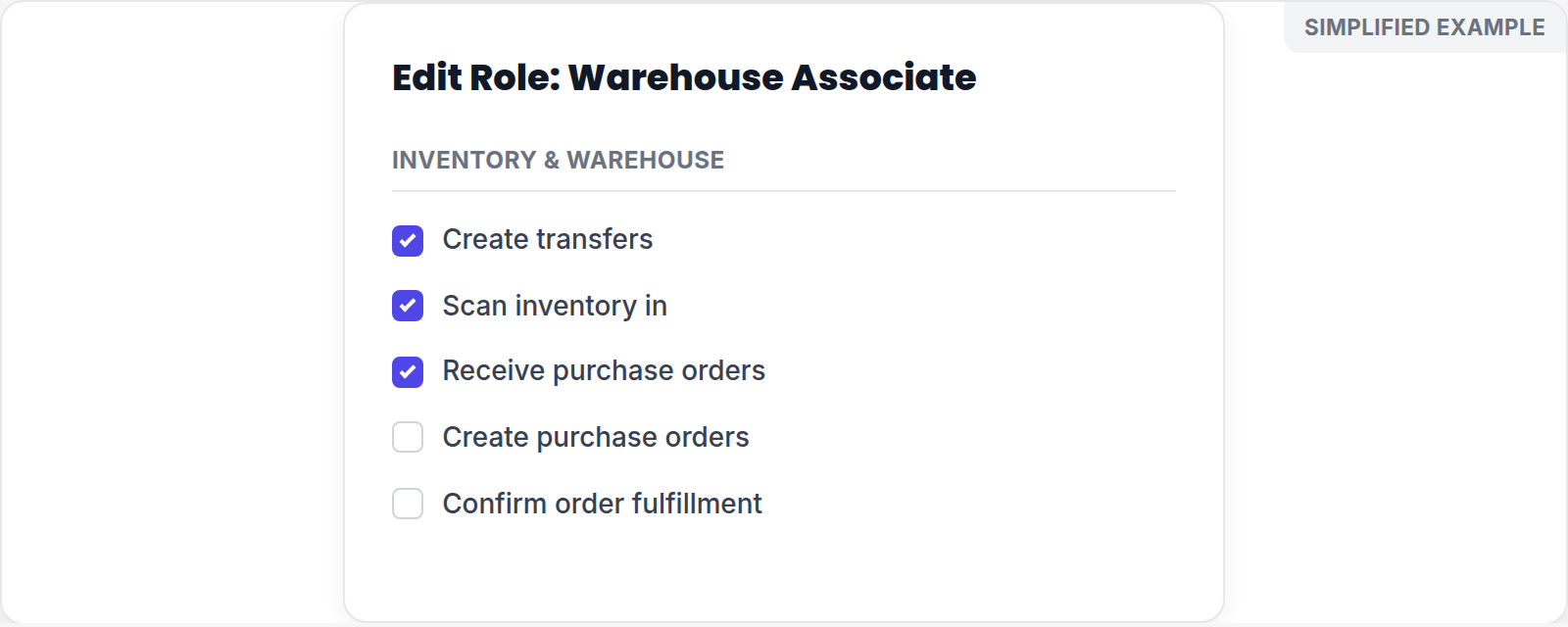
Simplified screen example with sample data.
An administrator can review roles for permissions such as:
- Creating transfers
- Confirming order fulfillment
- Scanning inventory in
- Creating and receiving purchase orders
- Resolving discrepancies
When a person does not have an action assigned, it may appear unavailable in the workspace. Staff should ask an administrator for access rather than using another person's account.
Review access when work is blocked
First confirm the active location and the role assigned to the team member. Then check the specific action they need—for example, receiving a purchase order, creating a transfer, or confirming fulfillment. Give only the access needed for the person's duties, and review it when those duties change.
If a team member still cannot complete an action after their role is updated, have an administrator verify the assignment and the selected location before contacting support.