
The Warehouse workspace provides an Online orders view for reviewing fulfillment. Order statuses and fulfillment choices can vary with your account setup and permissions.
Review the order list
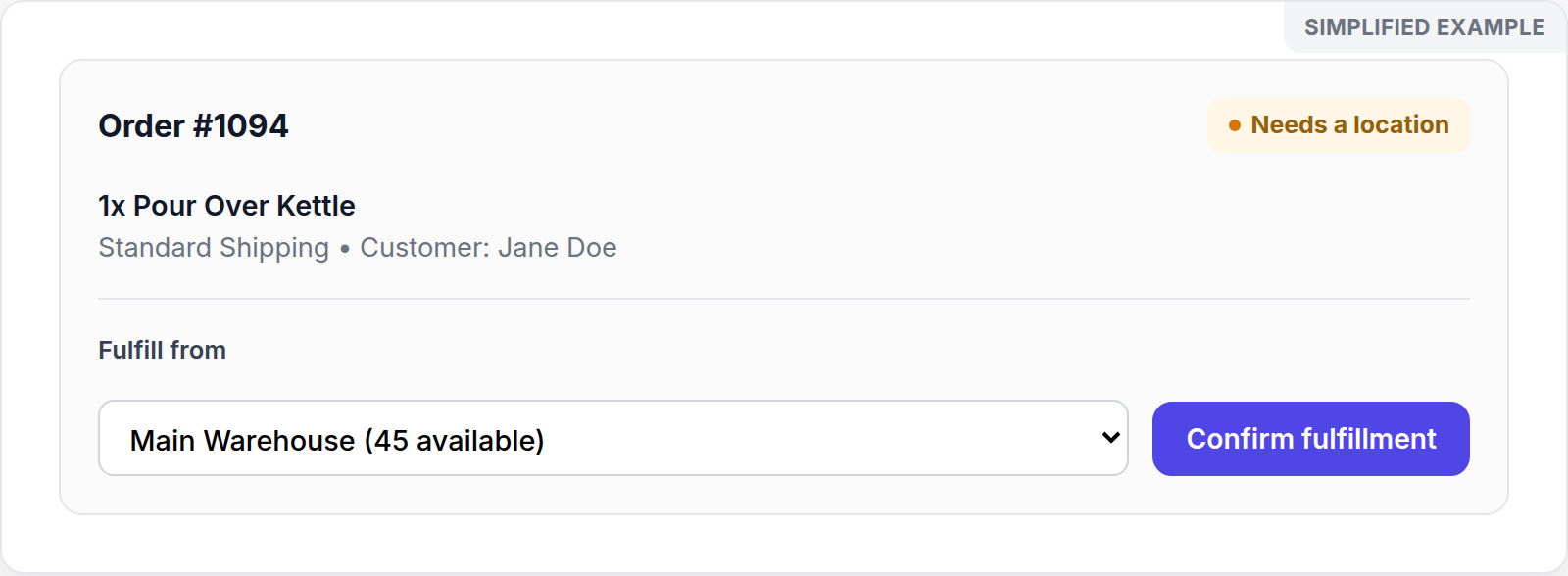
Simplified screen example with sample data.
Use search and status filters to find an order. The list identifies orders as Fulfilled, Needs a location, or Flagged and shows the selected fulfillment location when one is recorded.
For an order that needs a location:
- Open the order in Inventory > Online orders.
- Review the available location choices and their displayed stock.
- Select the appropriate location.
- Confirm fulfillment if that action is available.
- Review the linked transfer and stock views afterward.
Review flagged orders
A Flagged order needs manual review. Check each item, the delivery details, and stock by location before deciding on the next operational step. Do not assume that stock can be split across locations or that an alternative fulfillment path has been created.
Troubleshooting
If a location is not offered, recheck the product quantity and location stock. If Confirm is locked or unavailable, verify that you are working in the correct location and ask an administrator to review your fulfillment permission. Avoid creating duplicate transfers while investigating the order.