
Use online booking to let customers reserve an appointment, a staff member, or a resource at any time.
Set up booking
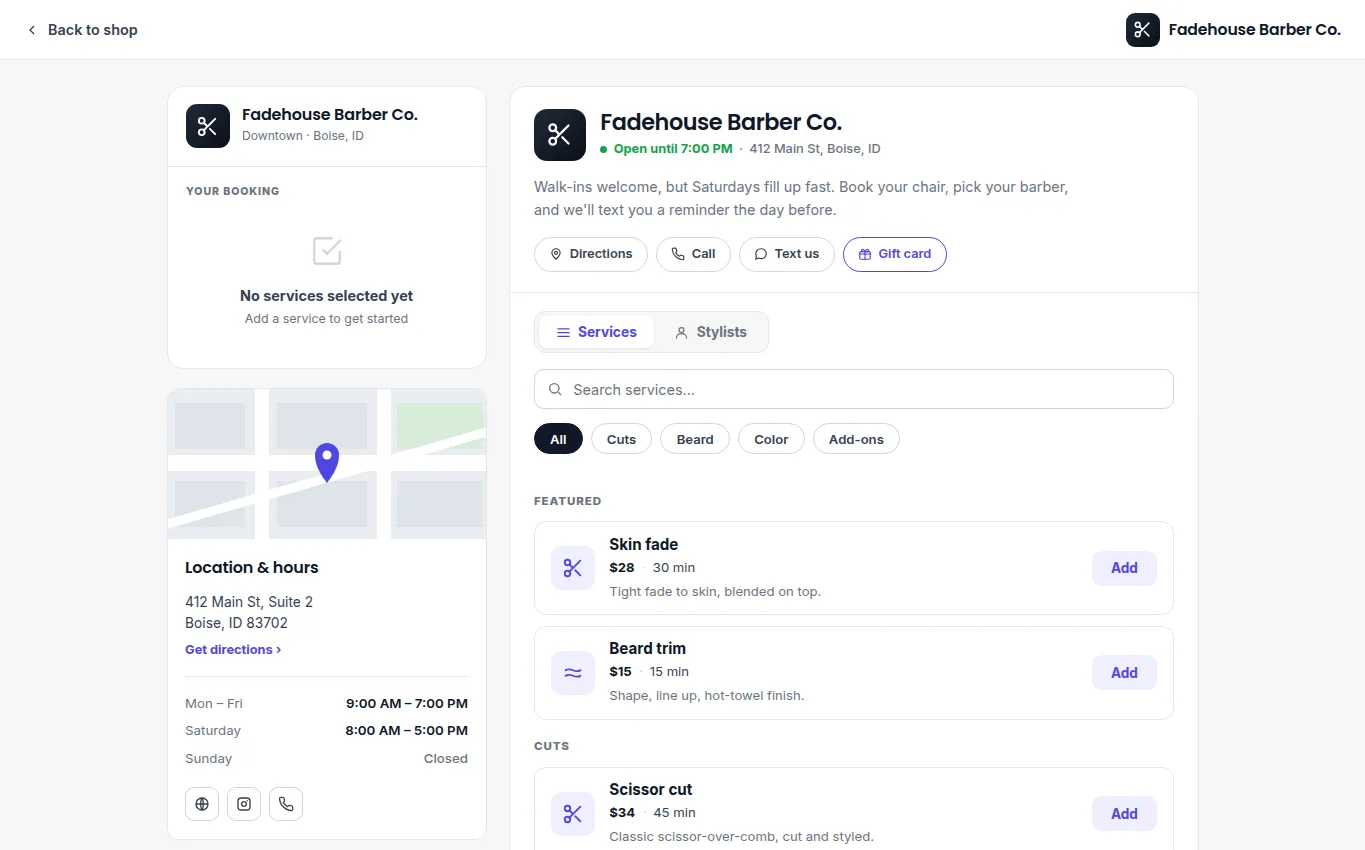
- Create each bookable service with a clear name, duration, description, and price.
- Assign the people or resources that can fulfill it, such as a technician, chair, court, lane, or table.
- Set the availability that customers may book. Review working hours, blocked time, and existing reservations before publishing.
- Add any customer questions needed to prepare for the visit.
- Preview the customer flow, then share or embed your booking link.
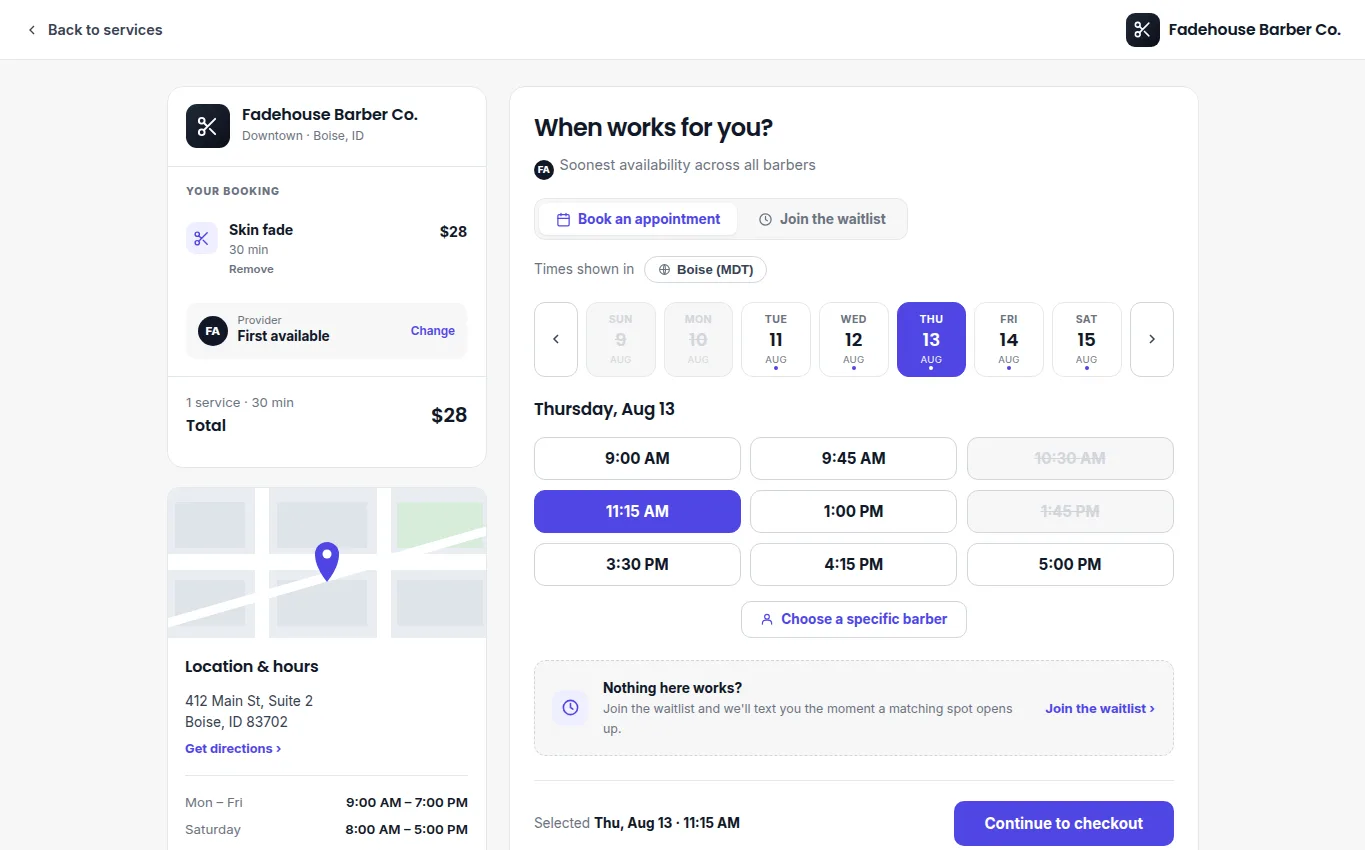
Customers choose an available date and time after adding a service.
Manage the calendar
Online bookings and staff-created bookings appear on the shared calendar. Open a booking to review the customer, service, assigned resource, time, payment details, and notes. From there, make the supported change: confirm, reschedule, cancel, or update the assignment.
For a walk-in or phone request, create the booking for the customer so availability stays accurate. If you reschedule or cancel, confirm the customer receives the updated details.