
Choose a payment rule for each service based on the risk and price of the appointment.
Choose how to secure a booking
- Card on file: securely holds payment details without charging the full service price at booking.
- Deposit: collects part of the price and applies it toward the final balance.
- Pay in full: charges the full amount when the customer books.
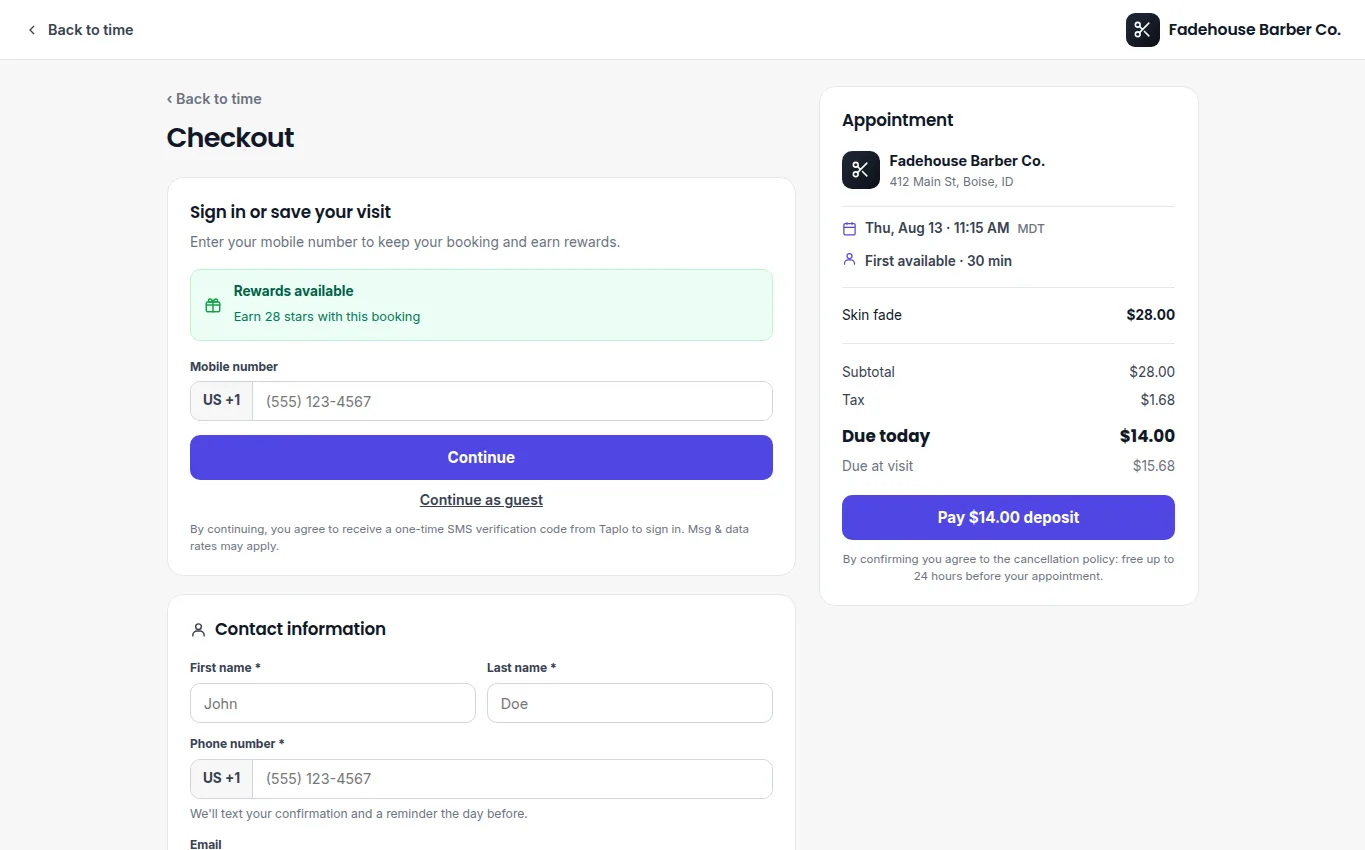
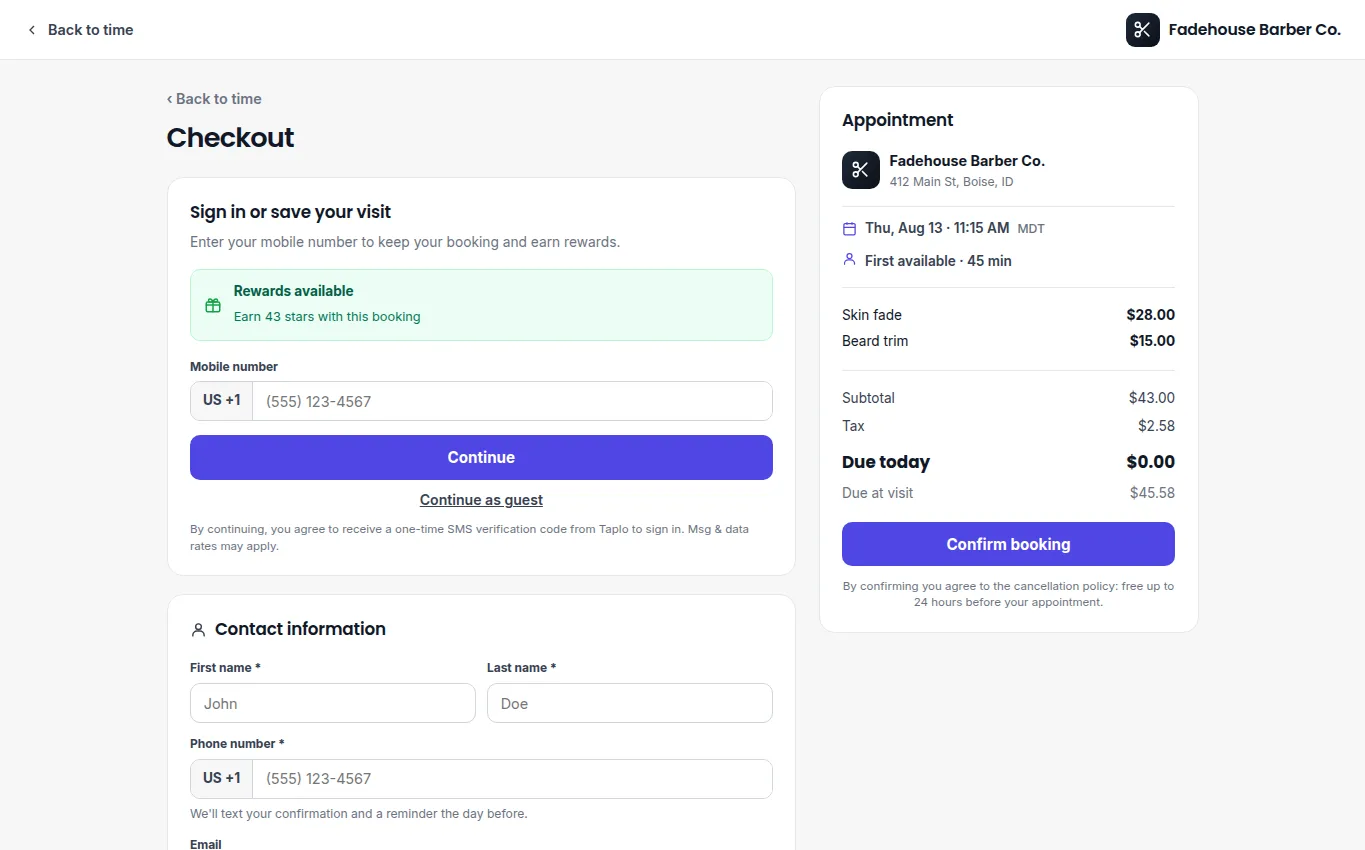
The checkout summary separates the amount due today from the remaining visit balance.
Review the amount shown in the customer preview before publishing the service. Clearly state your cancellation and no-show policy beside the payment request.
At the visit
Open the booking and verify the amount already paid or the card held on file. Collect only the remaining balance, then record the completed payment. If the visit is canceled or missed, follow your published policy and local requirements before applying a charge or refund.
If payment fails, ask the customer to use a valid payment method and retry. Do not create a second booking solely to collect the same balance.