
Reminders reduce missed appointments, while a waitlist helps refill canceled time.
Reminders
- Enable the confirmation and the text or email reminders you want to use.
- Keep the message short: include the service, date, time, location, and a way to confirm, reschedule, or cancel.
- Preview each message and verify the business contact details.
- Respect the customer's messaging consent and keep critical booking updates separate from marketing.
Waitlists
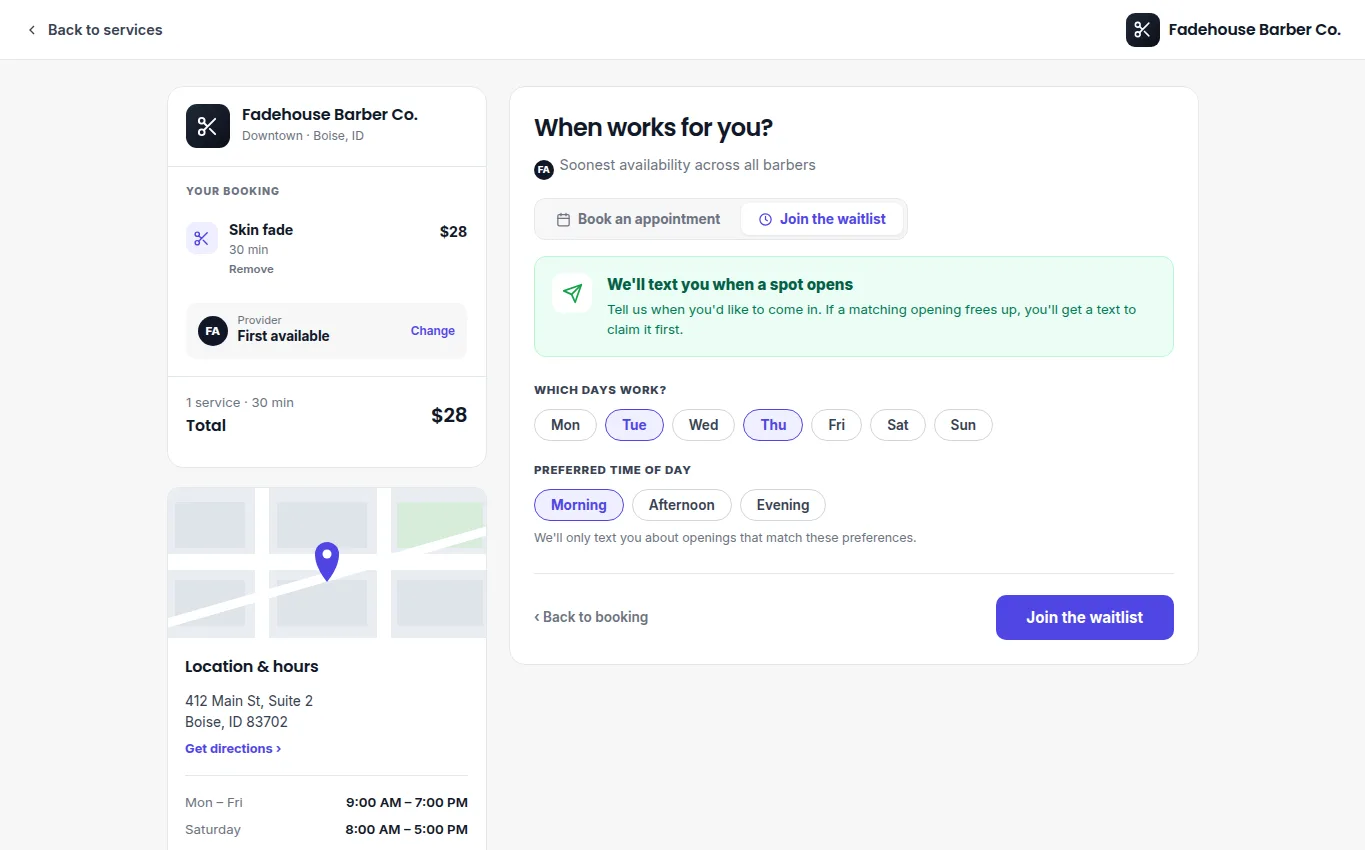
When no matching time is available, add the customer to the waitlist with their preferred service, person or resource, and acceptable times. If a suitable slot opens, notify the next matching customer. Confirm the booking before treating the opening as filled, then remove or update the waitlist entry.
If an opening remains unfilled, review the remaining matching entries rather than sending an unrelated slot to the full list.