
A service kiosk lets customers start check-in while staff keeps control of the final work order.
Kiosk check-in
- Put the device in the customer check-in experience.
- Ask the customer to identify themselves, select or add the item, and describe the requested service.
- Collect required details, agreement acceptance, and signature.
- Have staff review the submitted check-in, condition, estimate, and authorization before work starts.
Customer updates
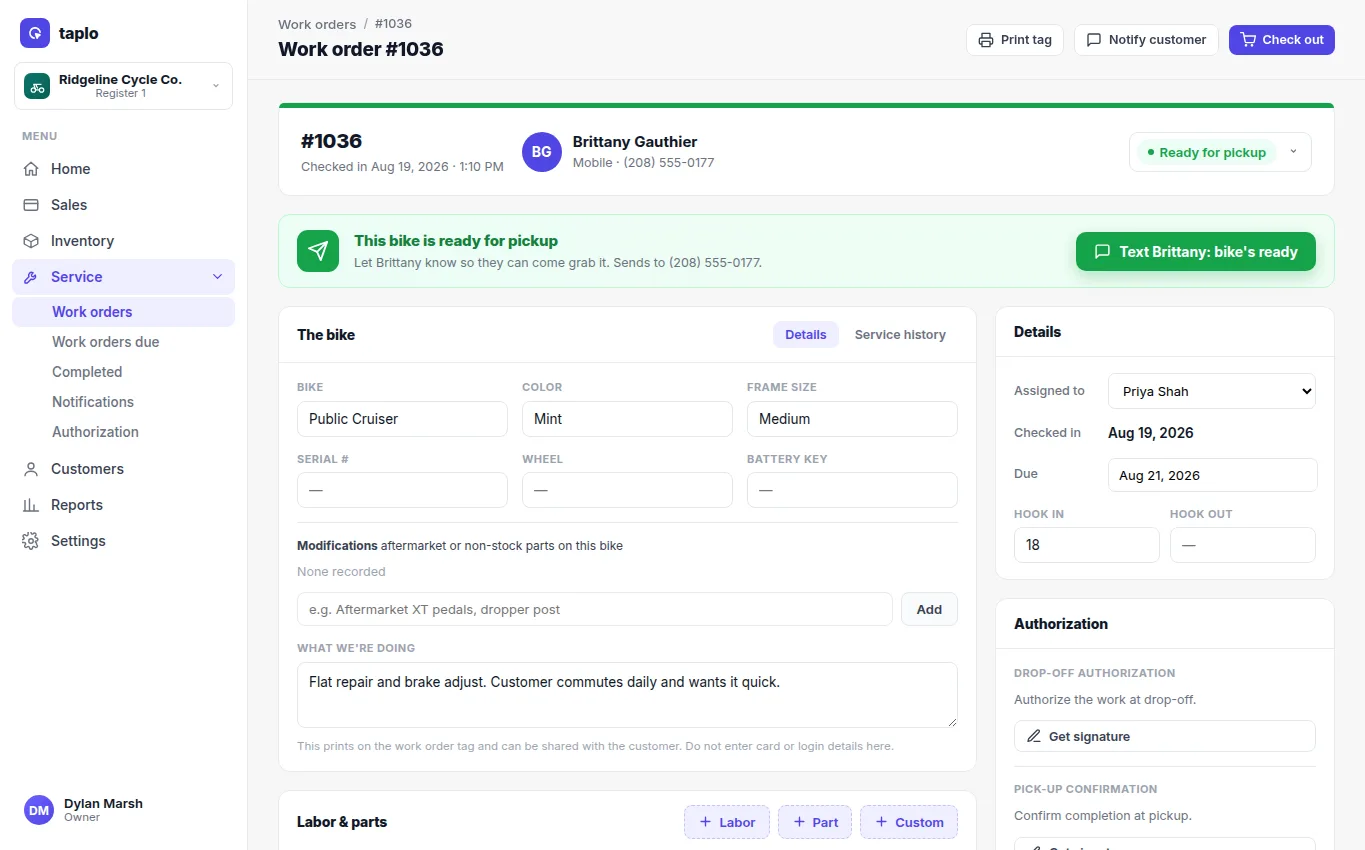
Send operational updates when the job is received, its estimate needs approval, it is waiting on parts, it is ready, or it is complete. Verify the destination before sending. Keep the message tied to the work order and include the reference, next action, and a safe way to contact your business.
Do not use service-status consent for unrelated marketing. Record calls or manual updates in the work order so the next staff member has the full context.