
Create one work order at check-in and move it through the service lifecycle so staff and customers share the same record.
Check in
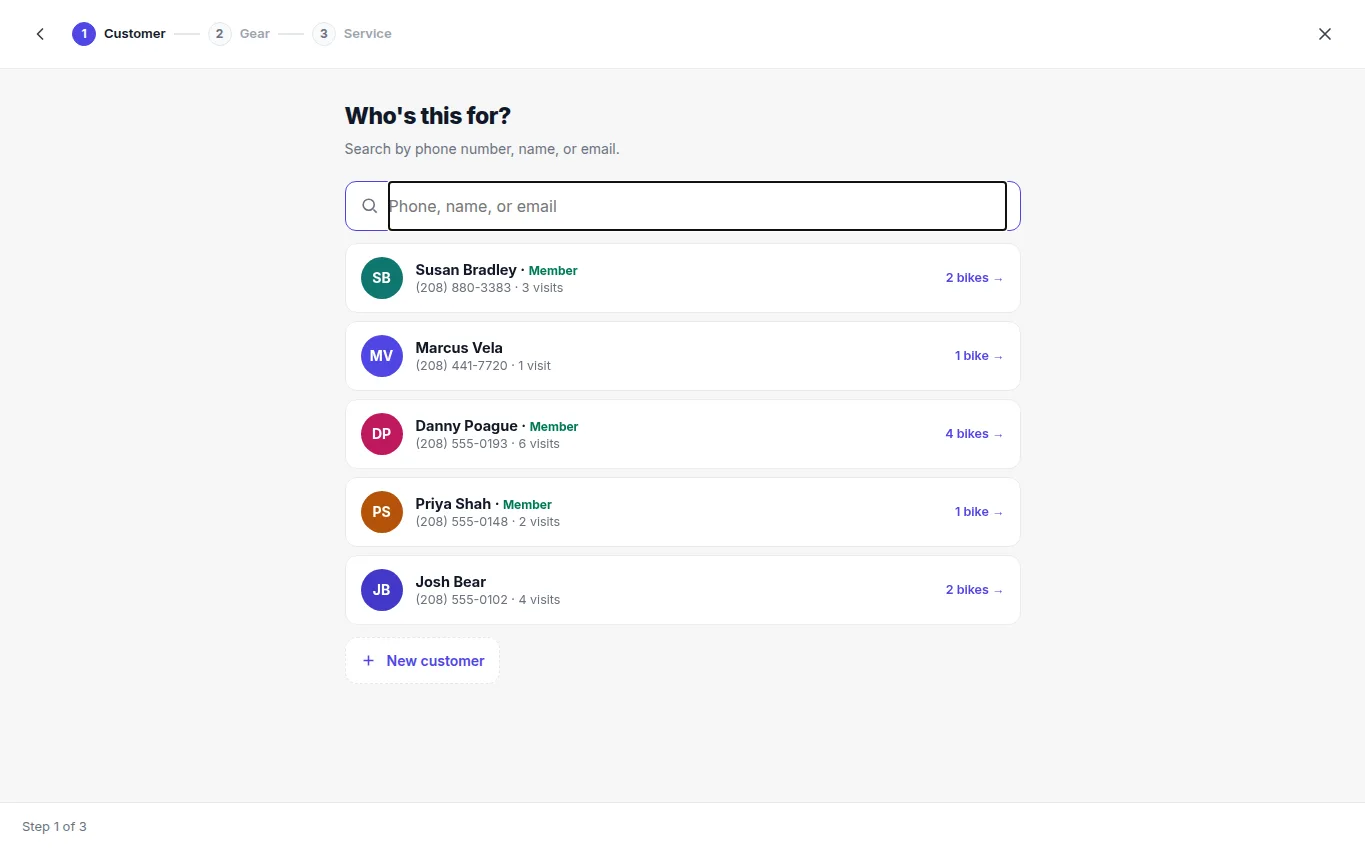
- Find the customer or create a customer record.
- Select an item already on file or add the item being serviced.
- Record the requested work, condition, identifying details, and useful intake photos.
- Add the initial labor and parts estimate.
- Review the authorization terms and collect the customer's signature.
- Save the work order and provide the claim or reference details.
Status flow
Use the status that reflects the actual next action: Open, In progress, Waiting on parts, Ready, then Completed after pickup or final handoff. Assign the work to the responsible team member and keep internal notes factual. Before completion, confirm the authorized work, final balance, and customer notification are all recorded.